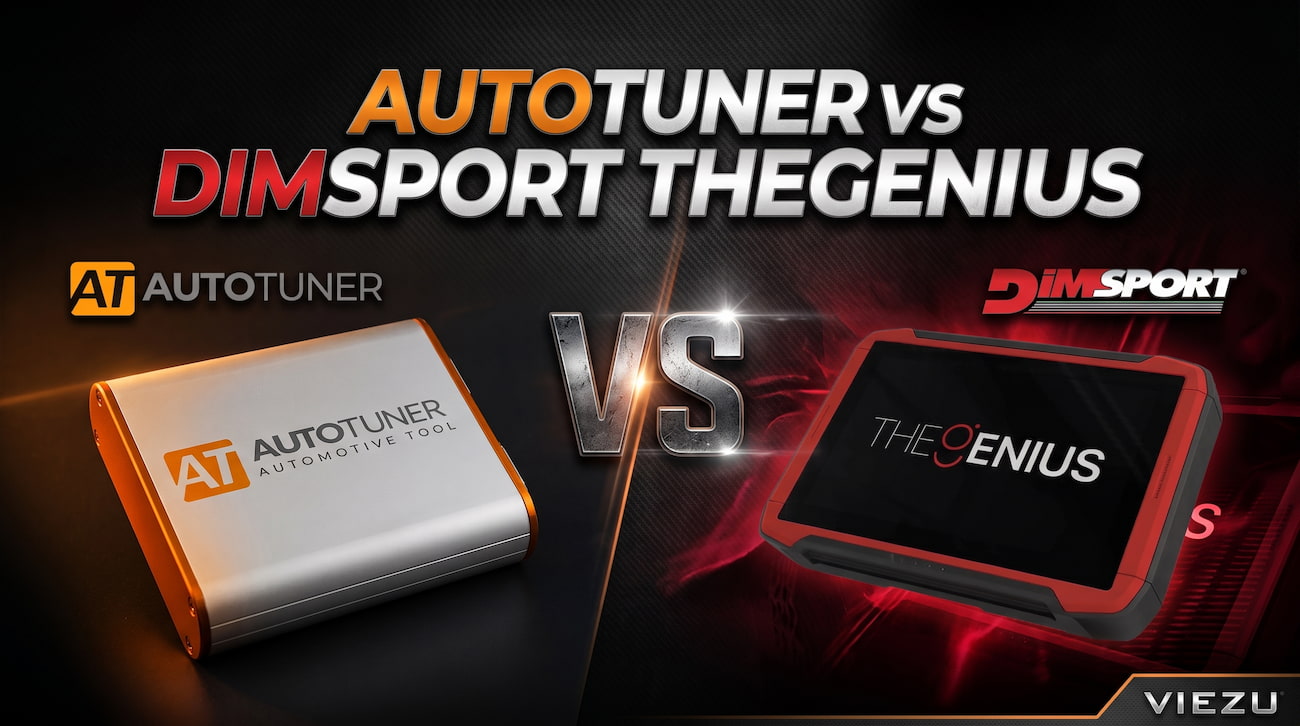
AutoTuner and Dimsport TheGenius are both professional ECU and TCU programming tools, but they are designed around different ways of working.
AutoTuner gives you OBD, Bench and Boot programming through a Windows-based interface with no annual subscription fee. Dimsport TheGenius combines OBD, Bench and Open programming within a standalone touchscreen device, so you do not need a laptop at the vehicle for normal programming work.
If you are comparing AutoTuner vs TheGenius, we recommend looking at the vehicles you work on, the programming methods you need and how you want to work day to day. Neither tuning tool is automatically the right choice for every business.
AutoTuner vs TheGenius Summary
| Feature | AutoTuner | Dimsport TheGenius |
| Operating format | Windows PC-based | Standalone touchscreen device |
| OBD programming | Yes | Yes |
| Bench programming | Yes | Yes |
| Direct ECU programming | Boot | Open |
| ECU and TCU programming | Yes, subject to supported applications | Yes, subject to supported applications |
| Master and Slave versions | Yes | Yes |
| Annual subscription | No annual subscription fee | Licensing and contract renewals apply depending on configuration |
| Updates | Free updates | Managed through the Dimsport system |
| Integrated screen | No | 10.1-inch touchscreen |
| Main working difference | PC-based workflow with no annual subscription | Standalone all-in-one workflow |
What is AutoTuner?
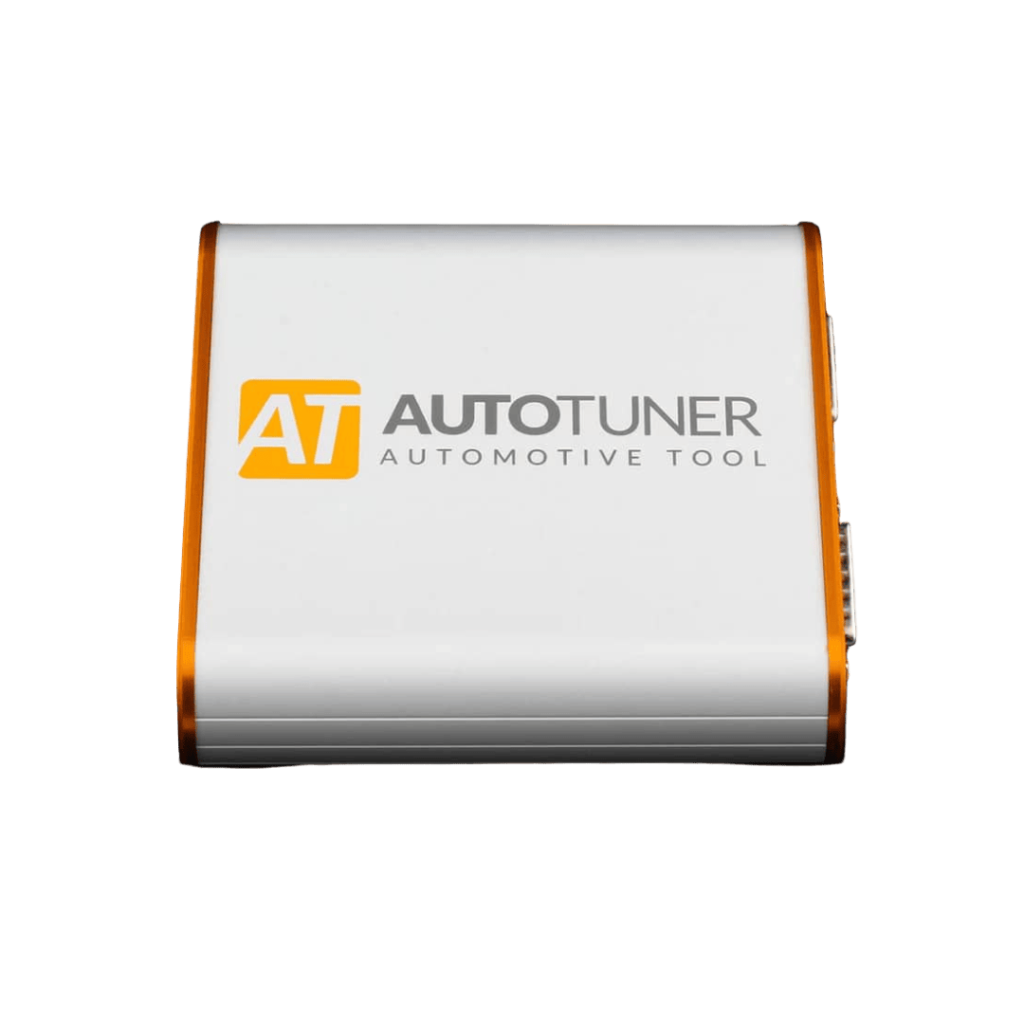
AutoTuner is a professional ECU and TCU programming tool that supports OBD, Bench and Boot connection methods.
You operate AutoTuner through its software on a compatible Windows computer. If your workshop already uses laptops for diagnostics, calibration software and other technical work, AutoTuner fits naturally into that environment.
One of AutoTuner’s main commercial advantages is its subscription model. There is no annual subscription fee for the professional AutoTuner tool and software and protocol updates are provided without a recurring annual charge.
AutoTuner is available in Master and Slave configurations, so you can choose whether you want access to open tuning files or prefer to work with a Slave tool linked to a specific Master tuning file provider.
What is Dimsport TheGenius?
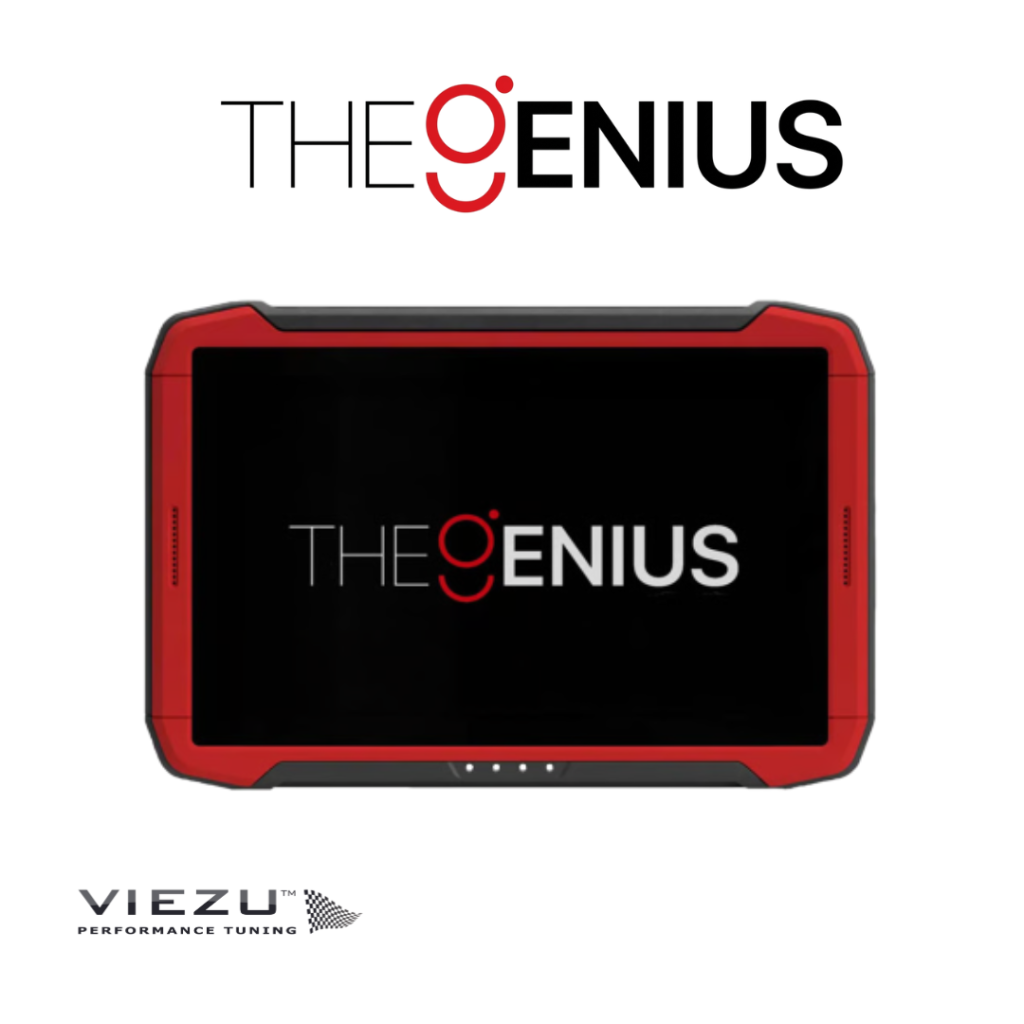
Dimsport TheGenius is Dimsport’s standalone ECU and TCU programming tool.
TheGenius brings OBD, Bench and Open/Boot programming together within one device. It combines functionality that was previously split across the New Genius and New Trasdata tools.
You manage the programming process directly from the built-in 10.1-inch touchscreen, so you do not need a separate laptop at the vehicle during normal programming work.
Standard Mode guides you through vehicle selection and the required procedure, while Advanced Mode gives experienced users direct access to protocols.
If you are searching for New Genius or AutoTuner, make sure you are comparing AutoTuner with the current TheGenius tool rather than treating New Genius as the latest Dimsport option.
AutoTuner vs TheGenius: the key differences
PC-based vs standalone operation
The biggest practical difference between AutoTuner and TheGenius is how you work with them.
AutoTuner connects to a Windows computer and you manage ECU or TCU reading and writing through the AutoTuner software. For workshops already using laptops for diagnostics and tuning software, this keeps the programming process within a familiar working environment.
TheGenius keeps the programming interface on the device itself. You control the process through the integrated touchscreen without needing a separate laptop alongside the vehicle.
If you prefer working through a computer, AutoTuner is the more natural fit. If you specifically want a standalone programming tool, TheGenius gives you that workflow.
OBD, Bench and direct ECU programming
AutoTuner supports OBD, Bench and Boot programming, while TheGenius supports OBD, Bench and Open programming.
OBD programming allows you to communicate through the vehicle’s diagnostic connection where the relevant protocol supports it. Bench programming allows communication with the control unit outside the normal OBD connection without necessarily opening the ECU.
For more direct access, AutoTuner uses Boot terminology while Dimsport uses Open terminology. These are manufacturer-specific terms, so we do not treat Boot and Open as interchangeable across every ECU or programming procedure.
The available method depends on the ECU, TCU and supported protocol. Before you buy either tuning tool, check the vehicles and control units you regularly work with rather than assuming every connection method is available for every application.
AutoTuner subscription vs TheGenius licensing
On-going costs should form part of your decision.
AutoTuner does not charge an annual subscription fee for the professional tool. You continue to receive software and protocol updates without paying a recurring annual subscription.
TheGenius works within the Dimsport licensing and contract system. The exact renewal requirements depend on the configuration and protocols you choose, so we recommend checking the current package before you buy rather than assuming every TheGenius setup carries the same renewal cost.
If you already use the tool, we also provide Dimsport TheGenius subscription renewal options.
Master vs Slave: which setup do you need?
Both AutoTuner and TheGenius are available in Master and Slave configurations. Your choice determines how you handle tuning files.
Master tuning tools
A Master tool gives you access to an open, unencrypted tuning file.
If you have the required knowledge and tuning software, you can edit the tuning file yourself. You can also send it to a Master tuning file provider of your choice, so you are not locked to one specific provider for tuning file modification.
Slave tuning tools
A Slave tool works with encoded or encrypted tuning files.
You can read and write the vehicle, but the tuning file must be sent to the specific Master your Slave tool is linked to for modification.
For many garages and tuning businesses, this provides a practical way to offer professional ECU remapping without writing tuning files in-house.
Our guide to Master vs Slave tuning tools explains the two setups in more detail.
Vehicle and ECU coverage
We do not recommend choosing AutoTuner or TheGenius purely on the total number of supported vehicles.
What matters is whether the tuning tool supports the vehicles, ECUs and TCUs that make up your actual workload.
A workshop specialising in European passenger cars has different requirements from a tuning business that also works with vans, commercial vehicles, agricultural equipment or marine applications. The right tuning tool is the one that gives you useful protocol coverage for the work your customers bring to you.
Before you choose either tool, check:
- The manufacturers you work with most often
- The ECU and TCU types you regularly see
- Whether you mainly use OBD, Bench or direct ECU access
- Whether the required protocols are currently supported
- Whether your vehicle mix is likely to change as your business develops
We can help you compare protocol coverage before you choose your hardware, particularly if your workshop handles a varied mix of vehicles.
Which tuning tool is better for mobile tuning?
TheGenius has a practical advantage for mobile tuning because it is a standalone device. You do not need to set up a separate laptop at the vehicle for normal programming work, which can make it easier to move between customer locations and work across different environments.
AutoTuner can also be used for mobile work, but a compatible Windows computer remains part of the setup. If most of your work is carried out from a fixed workshop won’t impact your decision but if you regularly work away from the workshop, the standalone design of TheGenius becomes a more important factor in the decision.
Which tuning tool is better for your workshop?
We would choose AutoTuner if:
- You prefer a Windows-based tuning workflow
- You want OBD, Bench and Boot programming
- You want to avoid an annual tool subscription
- AutoTuner supports the vehicles and control units you regularly work with
We would choose TheGenius if:
- You want a standalone programming device
- You prefer an integrated touchscreen rather than a laptop-based interface
- You want OBD, Bench and Open programming within one Dimsport tuning tool
- You already work within the wider Dimsport ecosystem
- The current Dimsport protocol coverage matches your customer base
We would not choose either tuning tool on specifications alone. The right choice is the one that supports the vehicles and control units you work with, suits the way you prefer to operate and makes sense in terms of ongoing costs.
It is also worth thinking beyond your current workload. If you plan to move into different vehicle types or take on more complex control units, check the protocol coverage you are likely to need in future as well as what you use today. That gives you a better chance of choosing a tuning tool that will continue to suit your business as it develops.
Can you use AutoTuner and TheGenius together?
Yes, AutoTuner and TheGenius can complement each other within an established tuning business. A lot of vehicle tuning dealers have more than one tuning tool to expand their ability to tune more vehicles.
If you are still comparing the different tuning tools available and need more advice then read our guide to which vehicle tuning tool you should use.
Starting a tuning business with AutoTuner or TheGenius
If you are thinking about starting a tuning business, we have put together our tuning business start-up kits, designed to give you a solid foundation to build your business upon.
For businesses starting with AutoTuner, we offer an AutoTuner tuning business start-up kit.
If you are choosing Dimsport, we also offer a Dimsport TheGenius tuning business start-up kit.
At VIEZU, we support professional tuners with tuning tools, ECU tuning files, tuning training and technical support.
Need help choosing between AutoTuner and TheGenius?
If you are comparing AutoTuner vs Dimsport TheGenius and want to know which tuning tool suits your business, speak to us before you buy. We are an experienced team of professional tuners working on vehicles every day, we have a wide range of experience across all of the leading tuning tools available and are happy to help.
If you tell us what vehicles you work on, how you currently operate and whether you are looking for a Master or Slave setup. We can help you compare the relevant protocols and choose the most appropriate tuning tool for your requirements.
Call +44 (0)1789 774444 to discuss your tuning tool requirements today.
AutoTuner vs TheGenius FAQs
Does Dimsport TheGenius need an internet connection to programme a vehicle?
No, TheGenius is designed to operate as a standalone device without relying on a PC or internet connection for normal ECU programming work. Its connectivity features are used for functions such as updates, support and access to Dimsport services.
Is Dimsport TheGenius the same as New Genius?
No, Dimsport TheGenius is the newer tuning tool and combines functionality previously provided across New Genius and New Trasdata. It brings OBD, Bench and Open programming together within one device.
Does AutoTuner need a Windows computer?
Yes, AutoTuner is operated through its software on a compatible Windows computer. The tool connects to the computer by USB and the software is used to manage ECU and TCU programming.
Does AutoTuner support OBD, Bench and Boot?
Yes, AutoTuner supports all three connection methods: OBD, Bench and Boot. The method available for a specific vehicle depends on the ECU, TCU and supported protocol.
About the Author
Paul Busby is the founder of VIEZU Technologies. Through VIEZU, we support professional tuners and automotive businesses with ECU tuning tools, tuning files, training and technical support alongside our direct vehicle tuning work.