

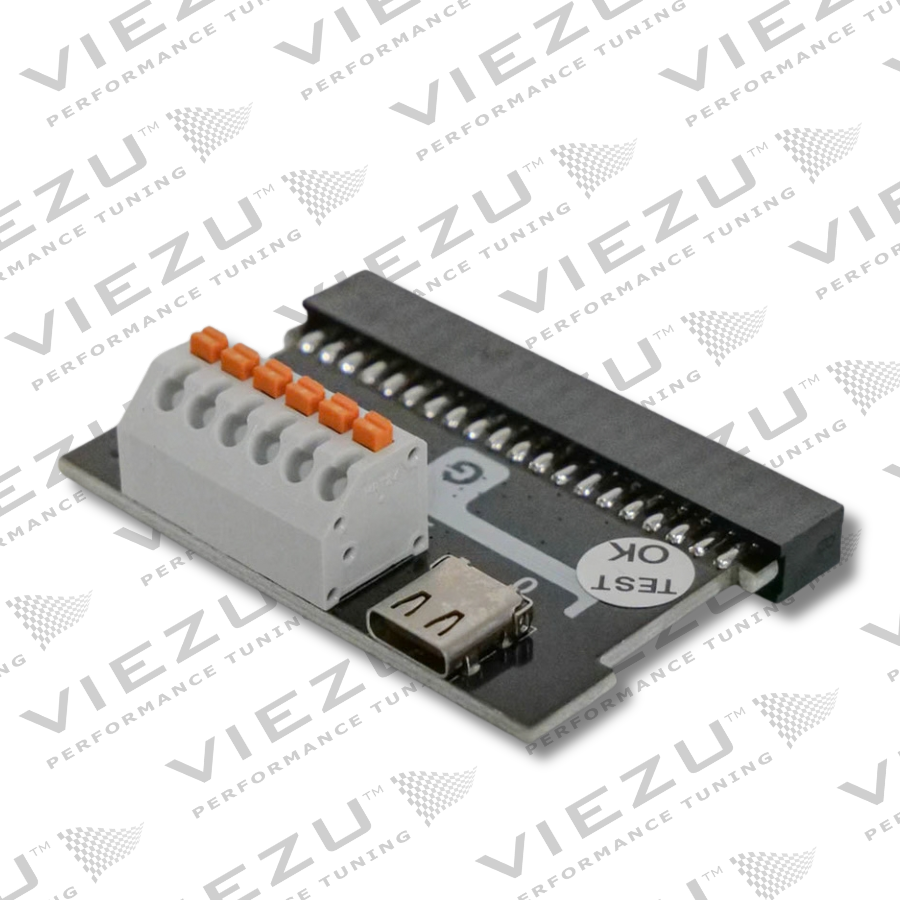
Description
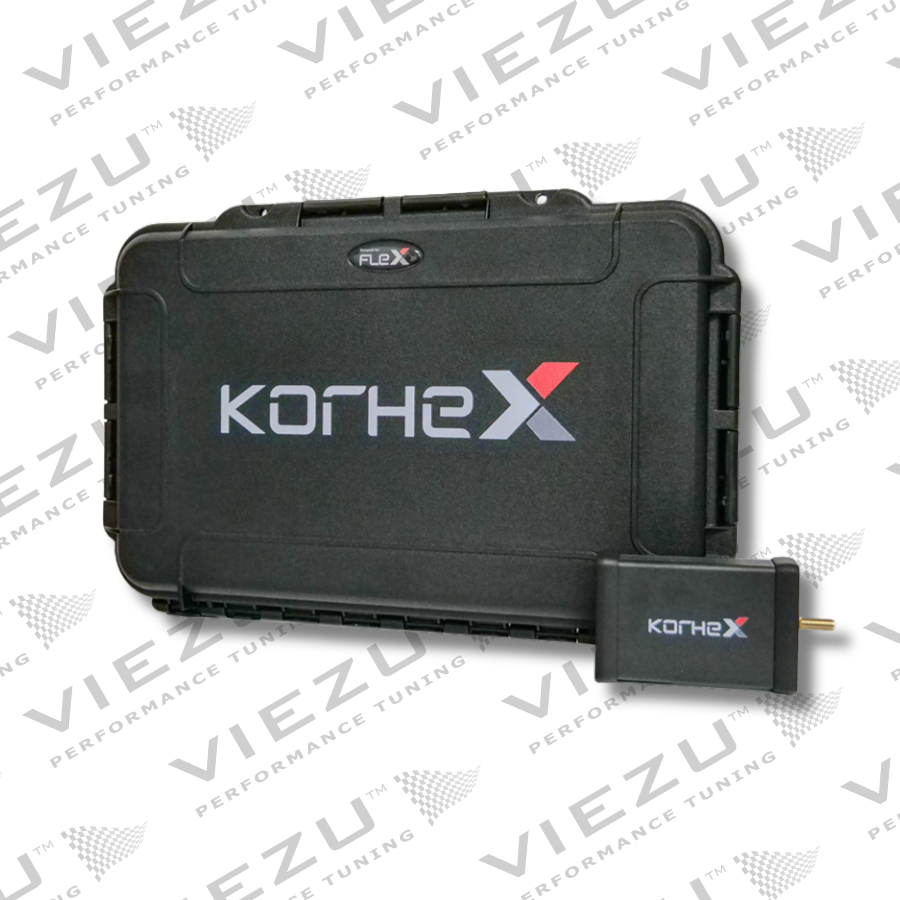
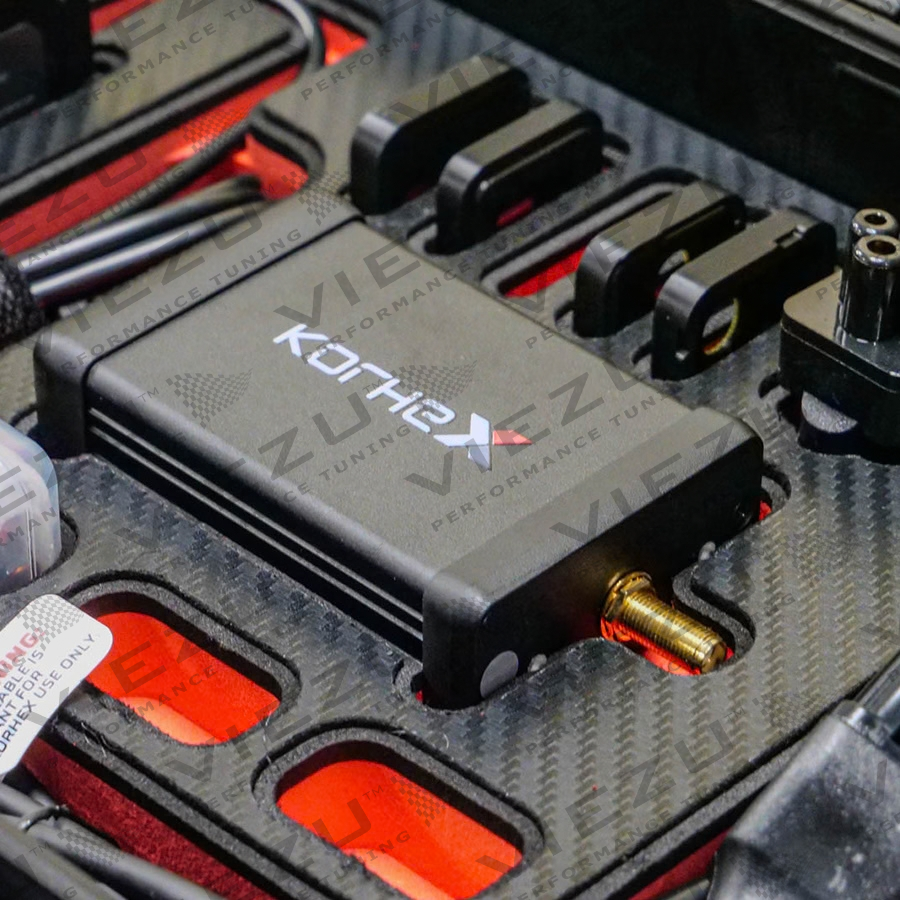
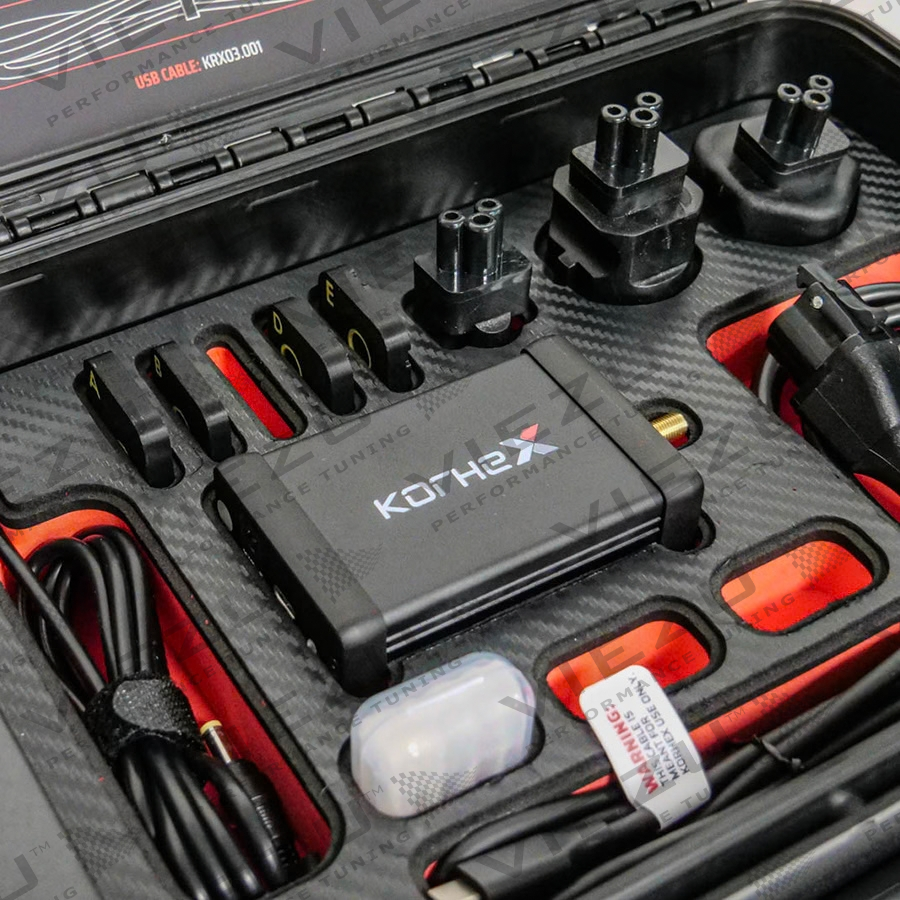
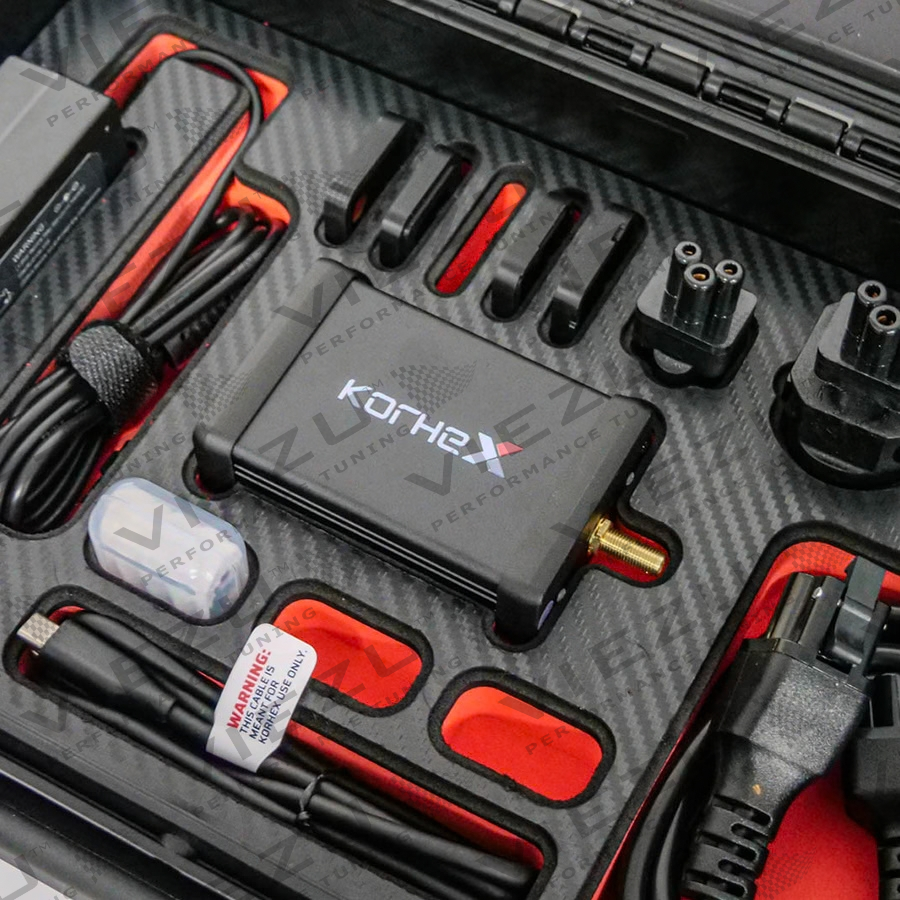
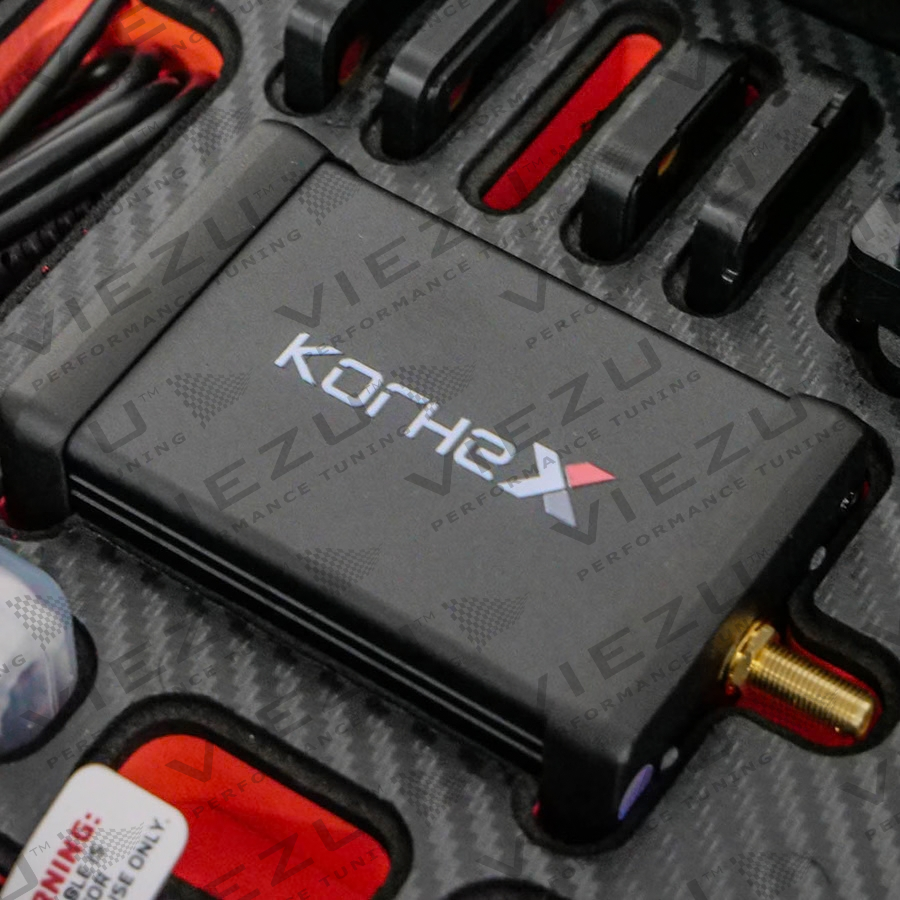
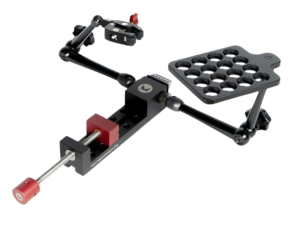
Korhex extends the Magicmotorsport Flex ecosystem with dedicated hardware for direct access to a designated MCU contact point. It is made for supported ECU procedures where advanced access or unlocking is required, including Boot Glitch applications.
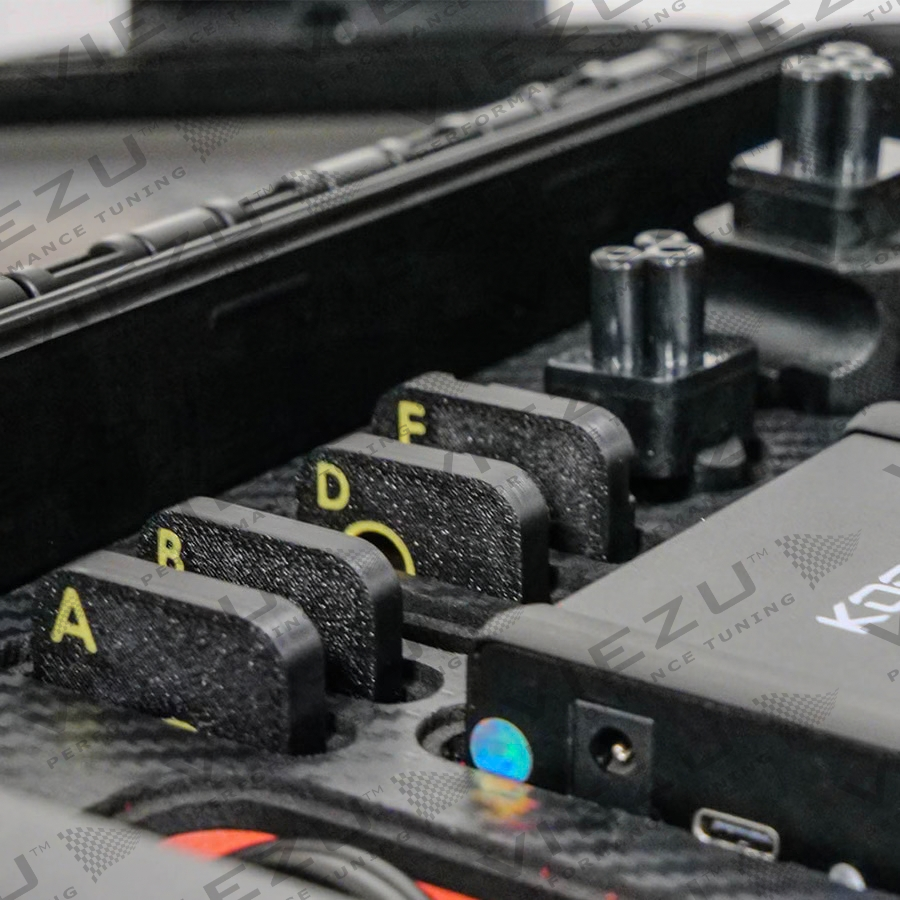
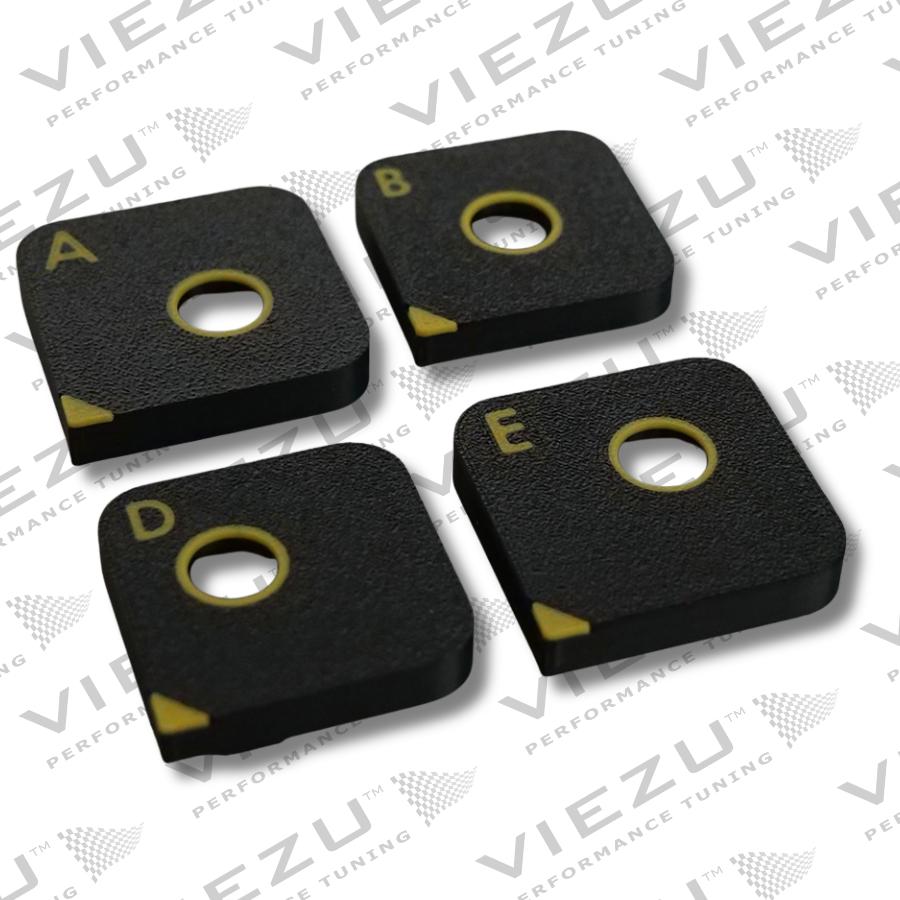
On supported applications, Korhex removes the need to flip the ECU board, desolder resistors or wire the Boot pin manually. This cuts physical preparation and unnecessary handling of the PCB. Flex shows the required contact point and procedure, while the dedicated Korhex mask helps position the hardware correctly on the microcontroller.
Technical features
| Feature | Details |
|---|---|
| Product type | Dedicated MCU access hardware for Flex |
| Working mode | Boot Glitch |
| Software enviroment | Flex |
| Compatible configurations | Flex Full Master, Full Slave or Boot Glitch FLS0.20M/S |
| Supported operations | Read/write Internal Flash, read/write Internal EEPROM, full backup and Boot unlock |
| Coverage | ECU, MCU and Flex protocol specific |
Typical use cases
- Advanced access and unlocking on supported protected ECUs
- Boot Glitch procedures requiring direct interaction with the MCU
- Reading and writing Internal Flash or Internal EEPROM
- Creating a full backup before programming
- Performing Boot unlock before continuing with the standard Flex procedure
How to Use Korhex: Full Step-By-Step Unlock Guide
Watch our full walkthrough video to see exactly how the Korhex works, from unboxing and setting up to unlocking an ECU, ready for tuning.
How Korhex works
- Select the supported ECU procedure in Flex and follow the preparation guidance.
- Position Korhex on the designated MCU contact point using the dedicated mask.
- Complete the access or unlock, then continue with the normal programming operation in Flex.
What is required?
Korhex is not a standalone ECU programmer. It must be used with Flex and a compatible software configuration. Full Master or Full Slave customers with an active subscription can use Korhex with the supported procedures included in their package. Users without a Full configuration require the Flex Boot Glitch licence FLS0.20M/S. A new user will need Flex hardware, Korhex hardware and a suitable Flex software licence.
Compatibility depends on the exact ECU, microcontroller and Flex protocol. Check the latest Flex Vehicle List and the relevant guided procedure before opening or connecting a control unit. Coverage is designed to grow as Magicmotorsport releases further protocols and supported applications.
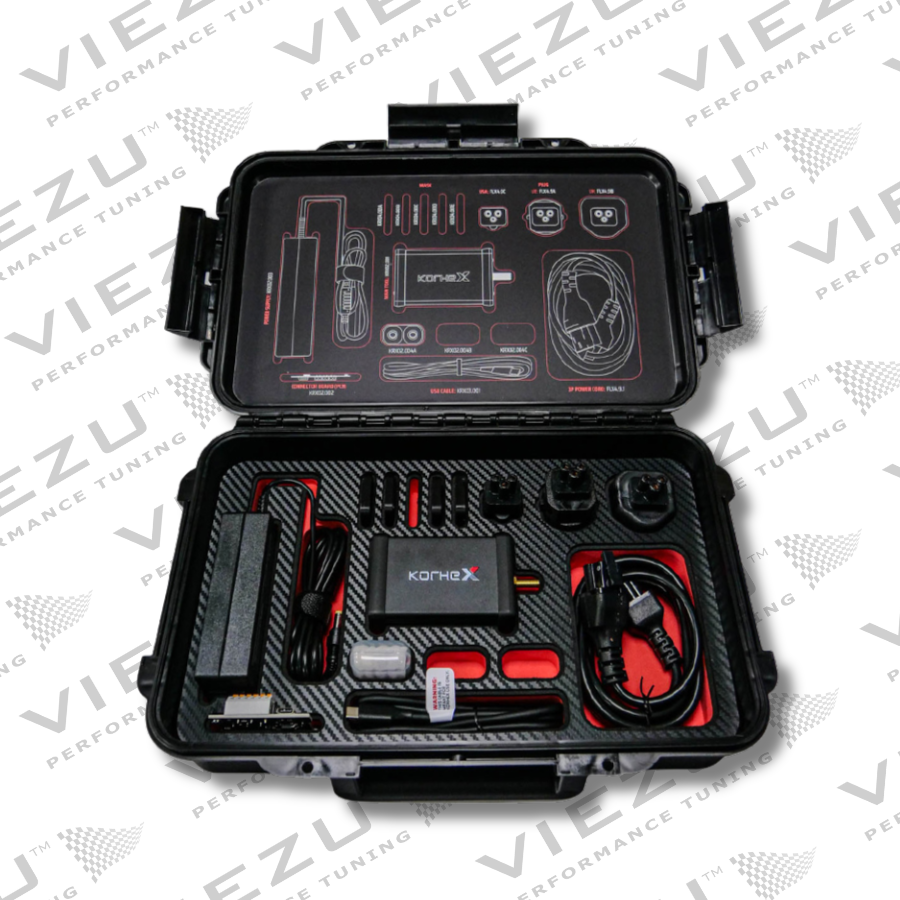
Hardware Kit Contents
| Item Code | Description |
|---|---|
| KRX02.001 × 1 | Korhex main device |
| KRX02.002 × 1 | External Korhex |
| KRX03.001 × 1 | Korhex USB cable |
| FLX4.9.1 × 1 | 3P Power Cord 1.20 m for FLX4.9 |
| FLX4.9A × 1 | European plug – Type E/F |
| FLX4.9B × 1 | UK plug – Type G |
| FLX4.9C × 1 | American plug – Type B |
| KRX02.003 × 1 | Korhex power supply |
| KRX02.004A × 2 | Korhex Antenna A |
| KRX04.001A × 5 | Korhex Mask A |
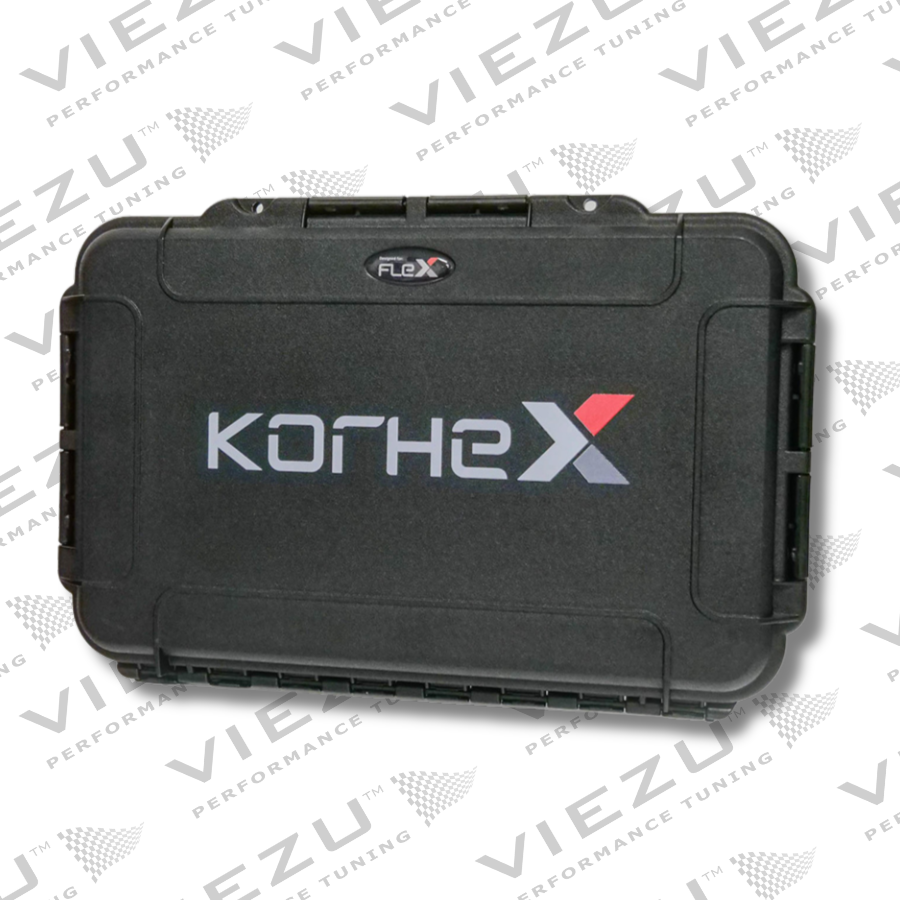
| KRX08.001 × 1 | Korhex carrying case |
Frequently asked questions
Can Korhex program an ECU by itself?
No. Flex controls the procedure and the subsequent programming operations. Korhex provides the dedicated MCU access required by supported procedures.
Does Korhex work with every ECU?
No. Support depends on the ECU, MCU and available Flex protocol. Always confirm the application in the current Flex Vehicle List.
Is desoldering still required?
Korhex is designed to avoid resistor desoldering, board flipping and manual Boot pin wiring on procedures that support direct MCU contact.



Reviews
There are no reviews yet.