
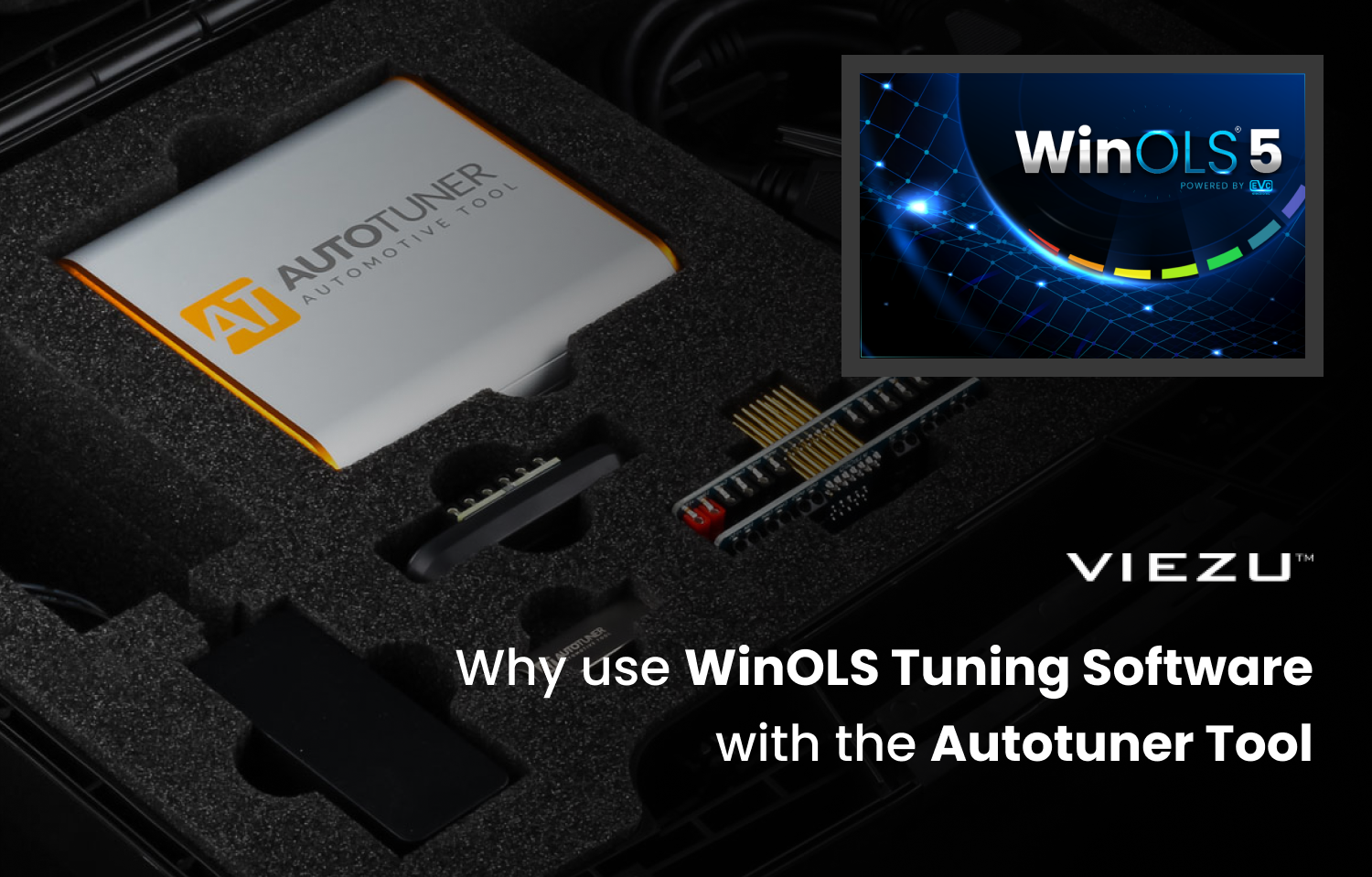
If you are stepping into the trade of professional ECU remapping, the kit you choose pretty much dictates how your day goes, from the quality of your tuning file to your profit margins. You will have heard the Autotuner tool and WinOLS tuning software a lot in the tuning industry. In this article we are going to take a look at the benefits of pairing the Autotuner tool and WinOLS tuning software. Looking at how they work together and why many professional vehicle tuners use this setup because of its ability to create and upload custom ECU remaps.
If we look at these two pieces of tuning kit in isolation they are both powerful, so when combined together you get a comprehensive solution. The best way to look at it, is that the Autotuner tool is the ‘hands’ – the reliable hardware interface that physically connects to the car and WinOLS is the ‘brain’ where the login and calibration takes place. Together they create a controlled workflow for car remapping that covers reading, editing and writing vehicle tuning files (maps).
Understanding the Autotuner Tool: The Hardware Interface
The Autotuner Automotive tuning tool is a dedicated piece of hardware that has been built to read and write data to the Engine Control Unit (ECU) or Transmission Control Unit (TCU) which is the process of remapping a car. Autotuner is popular with vehicle tuners as it doesn’t have any on-going subscription fees whereas competitors such as KESS3 do.
Key Features of the Autotuner Tool
-
OBD, Boot & Bench Connections: The Autotuner has 3 connection methods.
-
The standard OBD-II port or directly to the ECU.
-
Bench mode (pin-to-pin without opening the casing)
-
Boot mode (opening the case) depending on the job.
-
-
Modern Protocols: It supports the latest standards including CAN, CANFD and Enet. This is becoming critical, especially if you are working on modern BMW F and G series which rely on these newer architectures.
-
Safety Mechanisms: The Autotuner tool handles automatic Checksum correction during the file writing process well and includes ‘Back to Stock’ functions if things don’t quite go to plan and you need to revert your file back.
Exploring WinOLS
WinOLS stands for Windows-based On-Line Service, it’s a tuning software that is widely regarded as the industry-standard hexadecimal editor. It’s different to ‘wizard-based’ tuning software because it gives you the raw binary data instead of other software that restricts you to pre-selected drivers. The benefit of this software is that you have more control of your tuning file and the changes that you make. Let’s take a closer look at this.
Why Professionals use WinOLS Tuning Software
ECU Strategy Awareness
Unlike simplified tuning software, WinOLS allows tuners to work in line with the ECU’s internal strategy rather than against it. Modern ECUs (Bosch MG1, MD1, MED17, EDC17) are torque-based. They do not work on single maps such as “boost” or “fuel” but instead rely on complex torque-based control systems, multi-layer limiters, and environmental compensations.
WinOLS gives the tuner visibility of the entire binary structure, allowing correct modification of torque request models, driver wish maps, smoke limiters, air-load models, and protection strategies together. This prevents conflicts where one map change is silently overridden by another limiter elsewhere in the ECU logic.
Axis Scaling & Resolution Control
A key technical advantage of WinOLS is precise axis and data scaling. Many wizard-based systems hide axis values or rescale them automatically, which can cause resolution loss or inaccurate calibration at higher loads.
With WinOLS, tuners can manually rescale axes for torque, RPM, load, injection quantity, or lambda, ensuring smooth interpolation and maintaining factory-level resolution. This is essential when extending torque models beyond OEM limits while keeping ECU calculations stable and predictable. This attention to detail prevents “stepped” torque delivery and protects TCU logic (especially ZF 8HP, DQ250/381).
DAMOS vs Heuristic Guessing
While WinOLS can identify maps using pattern recognition, professional tuners rely on DAMOS/A2L files to work with manufacturer-defined labels, units, and axis meanings11. This eliminates guesswork and ensures that changes are applied to true functional maps rather than similarly shaped diagnostic or monitoring tables12. Experienced tuners know false-positive maps are a real danger—this separates file editors from calibration engineers13.
Why Wizard-Based Tuning Software Falls Short
Wizard-based tuning software simplifies the tuning process by exposing only selected parameters. While suitable for entry-level adjustments, it becomes a limitation on modern ECUs where multiple control layers must be calibrated together. Wizard tools often increase boost without recalibrating torque paths. Without access to full torque models, protection maps, temperature compensations, and driver request logic, tuners risk creating files that appear to work temporarily but fail under sustained load, high ambient temperatures, or aggressive driving conditions.
The Ultimate Workflow: Autotuner + WinOLS
When you partner the Autotuner automotive tuning tool with WinOLS tuning software it creates a powerful workflow to make ECU remapping easier and more efficient which makes the difference in a busy workshop. Here is how the workflow looks:
-
The Read (Autotuner): The Autotuner tool extracts the file. Since Autotuner supports ‘Virtual Reads’ (VR), you can often download the original file from the server instantly rather than waiting around for a slow physical read.
-
The Edit (WinOLS): You import your tuning file into WinOLS. WinOLS allows tuners to maintain structured projects with version control, original file comparison, and checksum-neutral edits. This is where the OLS1016 Plugin is incredibly useful for slave files management. This EVC plugin integrates with the Autotuner API to allow for smooth import and export of slave files, handling the encryption and decryption automatically so you don’t have to mess about with file converters.
-
The Write (Autotuner): Once your custom map is built, WinOLS saves the binary. WinOLS performs precise byte-level editing without altering unrelated memory areas, while AutoTuner ensures correct checksum correction for the specific ECU family during the write process. This division of responsibility reduces corruption risk and ensures that only intentional calibration changes are written20.
Autotuner + WinOLS Comparison at a Glance
| Feature | Autotuner | WinOLS |
| Primary Role | Hardware (Read/Write) | Software (Edit/Calibrate) |
| User Interface | Guided, step-by-step instructions | Complex, raw data environment |
| Cost Model | One-time purchase (No fees) | Licence purchase + Module costs |
| Strength | Speed and vehicle coverage | Infinite customisation depth |
Why Choose VIEZU?
For over 15 years, VIEZU has supported thousands of professional tuners globally. With an active tuning house with a 3000bhp dyno facility, we tune cars day in and day out. This puts us in a unique position where we have a wealth of experience with all of the professional tuning tools and software. We can relate to the same issues that you face in your tuning workshop which often means we can teach you best practice so that you don’t have to learn it the hard way.
VIEZU are also approved EVC WinOls trainers, our dedicated training division, the VIEZU Technical Academy provides online tuning training and in-person tuning courses in the UK and around the world. In 2026 we have a range of in-person USA WinOls training courses. See our tuning course calendar to find out more and to book your place today.
We also regularly produce and publish free tuning training webinars:
Real-World Support: Solving Complex Issues
We often get asked for a specific example of support we have given our tuning dealers, so here is a specific example of a tuning using both Autotuner and WinOLS together.
Case Study: BMW 440i G-Series – Torque Intervention Issue
A VIEZU dealer experienced inconsistent power delivery on a BMW G-series vehicle tuned using AutoTuner hardware with a third-party file. While peak boost appeared correct, the vehicle repeatedly reduced torque under load. Using WinOLS, the issue was traced to torque monitoring and intervention maps that had not been rescaled alongside the main torque request tables. Once corrected in WinOLS and rewritten via AutoTuner, torque delivery stabilised and gearbox intervention ceased. This example highlights why hardware alone is not enough – understanding and correcting ECU logic is essential.
Expert Training: The Simon White Perspective
What unique insights does our training offer?
“In the VIEZU Technical Academy, I teach a philosophy you likely won’t find in generic YouTube tutorials: “Mechanical Sympathy via Digital Logic.”
I always emphasise that knowing how to change a number in WinOLS is useless if you don’t understand why you are changing it. A key takeaway from my courses is the relationship between Requested Torque and Injection Duration. Many new tuners simply crank up the boost pressure (air) and forget that the ECU calculates fuel based on torque requests. I teach students how to rescale the torque axes properly so the transmission (TCU) remains happy, rather than just ‘tricking’ the engine into adding more boost.”
WinOLS & Autotuner Frequently Asked Questions
Can I tune any car with WinOLS and Autotuner?
Autotuner covers thousands of vehicles, but coverage is strictly dictated by the ECU type. WinOLS can technically edit any binary file you throw at it. However, the real challenge is having the ‘Map Pack’ or the knowledge to identify the maps in that specific file structure.
What is a Checksum and why does Autotuner handle it?
A checksum is basically a mathematical calculation that verifies the integrity of the file. If you change a single byte in WinOLS, the checksum changes. If the new checksum doesn’t match the file content, the car simply won’t start. Autotuner automatically corrects this during the writing process, saving you from doing complex manual calculations.
Do I need a Master or a Slave Autotuner tool?
-
Autotuner Slave Tool: You read the file, but it is encrypted. You must send it to a Master (like VIEZU) to be edited.
-
Autotuner Master Tool: You read an open file. You can load this directly into WinOLS yourself. If you plan to learn WinOLS and write your own files, you will need a Master tool.
View the VIEZU Technical Academy’s free ‘Introduction to EVC WinOLS Software’ course.
What is the Autotuner Tuning Business Start-Up Kit?
The Autotuner Tuning Business Start-Up Kit is a VIEZU exclusive, an all-in-one package designed by VIEZU to provide everything needed to launch and operate a business tuning cars and light commercial vehicles. It combines essential hardware, safety equipment and educational resources to get you started with car tuning.
Learn more about the Autotuner Tuning Business Start-Up Kit
About The Author
Paul Busby is the CEO of VIEZU Technologies. As an experienced vehicle engineer, Paul has specialised in post-production defect investigation, new vehicle homologation and warranty development at a manufacturer level. His expertise and commitment to quality led to him winning Entrepreneur of the Year in 2012 and VIEZU receiving The Queen’s Award in 2014.